Shadcn Forms and Inputs
Collection of customizable Shadcn form and input components for creating responsive, user-friendly forms with ease and style.
Explore Forms & Inputs

75+ Shadcn Forms & Inputs
Submit Resource


shadcn/studio
Open-source Shadcn registry with copy-paste components.
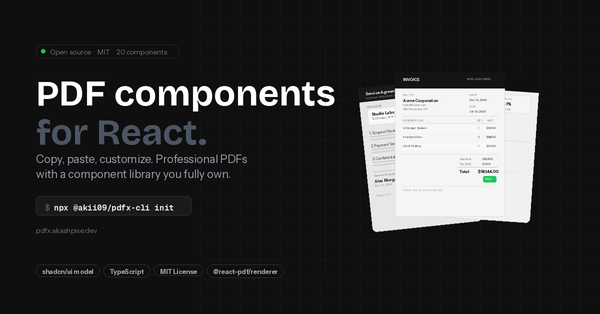
PDFx: shadcn/ui for React PDFs
Pre-built PDF components for React. Copy them into your project


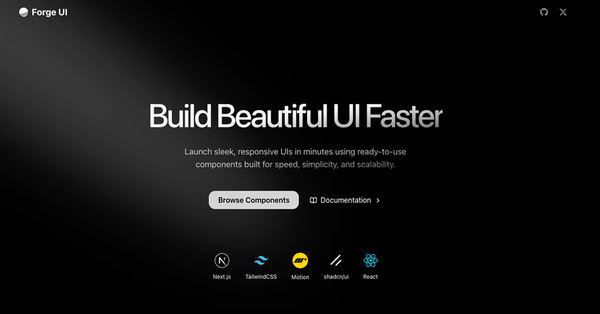
ForgeUI
Launch sleek, responsive UIs in minutes using ready‑to‑use components
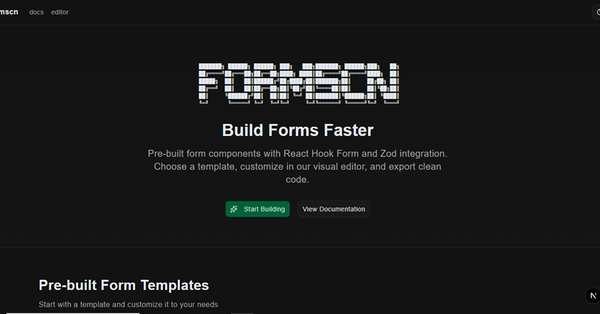
FormSCN - shadcn/ui Form Builder
FormsCN bridges the gap between visual builders and code ownership.
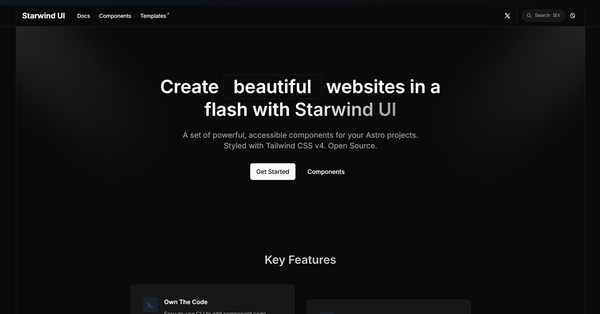
Starwind UI
Set of powerful, accessible components for your Astro projects.


WDS Shadcn Registry
Collection of accessible components built for use with Shadcn.
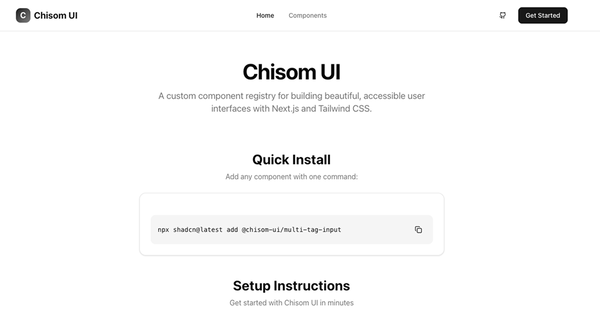
Chisom UI: Custom shadcn/ui Registry
Component registry for building beautiful, accessible user interfaces
Alpine Registry
A example registry for distributing code using shadcn.
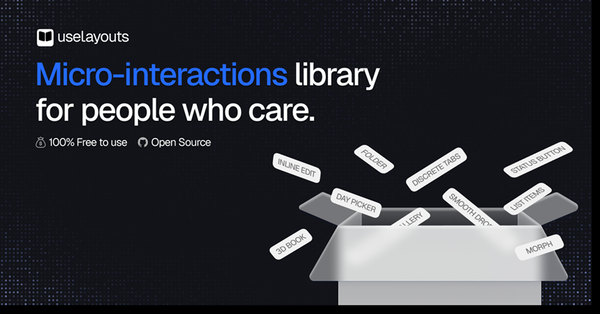
Use layouts
Modern animated React components & micro-interactions for conversion
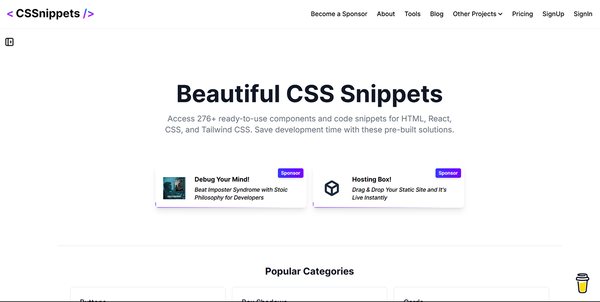
CSS Snippets
Freemium, ready-to-use snippets for modern HTML, CSS, and React.

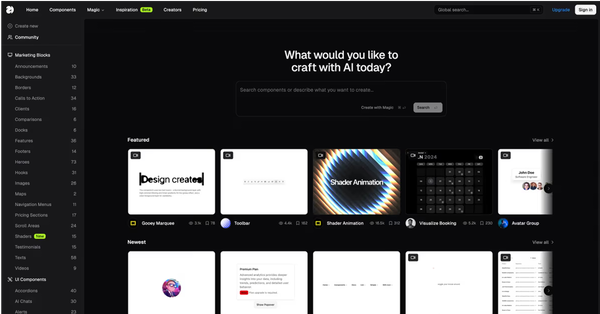
21st.dev
Explore, copy, and remix thousands of high-quality React components
UI TripleD
UI components, blocks, and landing page templates powered by shadcn/ui
JobSync
JobSync: an open-source, self-hosted job search tracker & assistant.
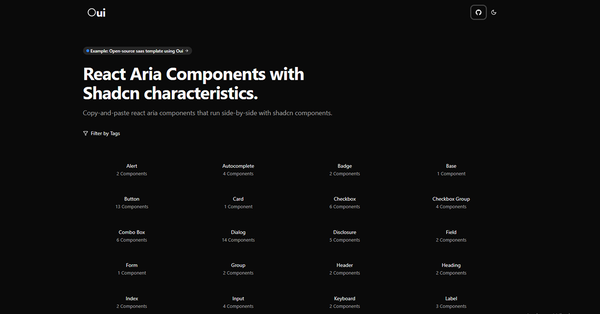
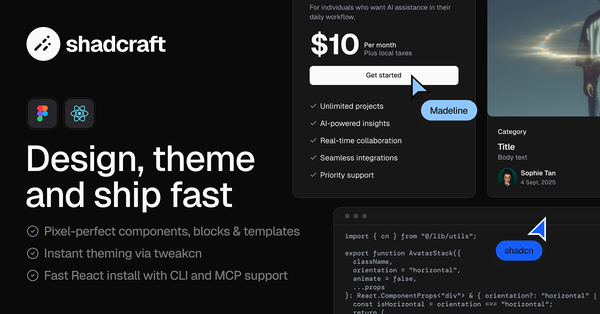
Shadcraft Starter Kit
Complete shadcn/ui toolkit with pixel-perfect UI, theming, and blocks.
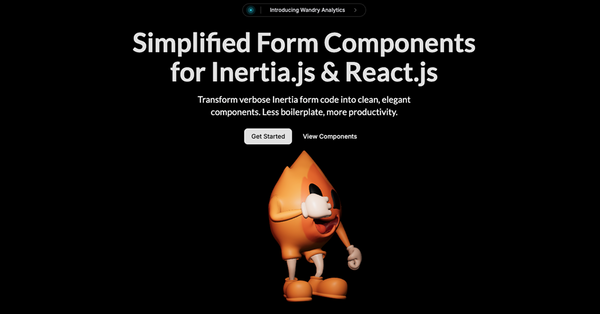
Wandry UI
Transform verbose Inertia form code into clean, elegant components.

Roi UI - Component system with CSS Modules
A UI library designed to keep you in the flow

Shadcn Tanstack Form
Build beautiful, type-safe React forms with shadcn/ui + TanStack Form.

Coss UI
Modern Base UI + shadcn/ui components built for developers and AI.

Curated Collection of Shadcn UI Forms & Inputs
Forms are a fundamental part of web applications, powering everything from simple contact pages to complex multi-step workflows. When it comes to building forms in React, Shadcn UI offers a powerful and accessible collection of forms and input components that combine flexibility, modern design, and best practices out of the box.
In this article, we’ll dive deep into Shadcn Forms & Inputs—what makes them stand out, how to use them effectively, and tips to build intuitive, accessible forms that enhance user experience.
What Are Shadcn Forms & Inputs?
Shadcn UI is a React component library built on Radix UI primitives and styled with Tailwind CSS, designed for accessibility and easy customization. Its forms and input components provide the foundational building blocks for any form UI, including:
Text inputs (single line, textarea)
Select dropdowns
Checkboxes and radio buttons
Toggle switches
Sliders
Form field wrappers with labels, descriptions, and error messages
Validation-ready input components
These components follow accessibility standards (WAI-ARIA) by default and integrate seamlessly with popular React form libraries such as React Hook Form and Formik.
Why Choose Shadcn Forms & Shadcn Inputs?
Accessibility by Default
Every input is built with semantic HTML and ARIA attributes, ensuring keyboard navigation, screen reader support, and overall inclusivity.Tailwind CSS Styling
The components are unstyled or minimally styled, providing you the freedom to apply Tailwind utility classes or custom themes easily without fighting default styles.Composable Form Architecture
Shadcn provides composable form primitives such asForm,FormField,FormItem,FormControl, andFormMessageto build complex, maintainable forms with clear separation of concerns.Integration Friendly
Works smoothly with React Hook Form, Formik, or any other state management solution, allowing you to handle validation, submission, and error display effortlessly.
Key Shadcn Form Components Explained
1. Form & FormField
These components act as the skeleton for your forms:
Form provides context and validation state management.
FormField wraps each individual input with necessary ARIA attributes and connects it with validation rules.
Using these abstractions ensures your form fields behave consistently and accessibly.
2. TextInput & TextArea
Basic inputs for text data, including single-line and multi-line inputs. They support labels, placeholders, descriptions, and error messages out of the box.
3. Select
Shadcn's Select component provides accessible dropdowns that can handle single or multiple selections, with support for custom options and keyboard navigation.
4. Checkbox & RadioGroup
Used for boolean and multiple-choice inputs. These components maintain accessibility and provide customizable UI for checkboxes and radio buttons.
5. Switch
A toggle switch component for boolean values, perfect for settings and preferences.
Tips for Effective Form Design Using Shadcn Components
Use FormMessage for Validation Feedback
Display validation errors and hints clearly below inputs for better user understanding.Group Related Inputs
UseFormItemto group label, input, and message together to improve structure and styling.Consistent Spacing & Alignment
Apply Tailwind utility classes consistently to maintain clean and readable forms.Accessible Labels and Descriptions
Always associateFormLabelwith inputs and add descriptive helper text where necessary.Optimize for Mobile
Ensure inputs are sized appropriately, and use responsive utilities for a smooth experience on smaller screens.
Conclusion
Shadcn Forms & Inputs provide a flexible, accessible, and developer-friendly foundation for building forms in React applications. Their integration with Tailwind CSS and compatibility with React Hook Form streamline the form-building process without compromising on usability or accessibility.
Whether you’re crafting simple contact forms or complex multi-step wizards, Shadcn UI’s form components help you build with confidence, speed, and style.
Explore the All Shadcn Components collection and explore the best Shadcn Forms and Input components
Frequently Asked Questions
Explore frequently asked questions about Forms & Inputs
Shadcn Form is a toolset for building customizable and accessible forms in React using Shadcn UI components.
Shadcn Input is a customizable, accessible input component designed with Radix UI and Tailwind CSS.
Have a product?
Submit your Shadcn product to AllShadcn, get featured, and drive genuine traffic while showcasing your work to the world. Turn your creativity into revenue and begin selling today! 🚀