.png)
React UI
Explore React UI libraries, reusable components, animated interfaces, and UI kits for building modern SaaS, AI applications, and websites.
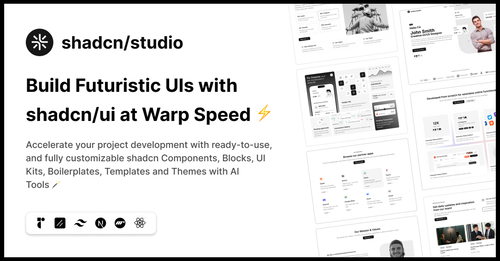
Featured Shadcn Products
Add Featured Product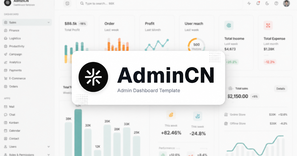
.png?width=300&height=156&format=auto)
.png?width=300&height=156&format=auto)
2+ React UI Resources
Submit Resource.jpg?width=600&height=314&format=auto)
affectUI: Animated React Components for AI & SaaS Applications
Interactive React UI components for AI and SaaS products.


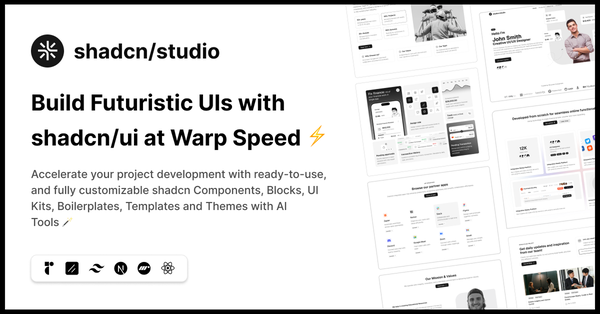
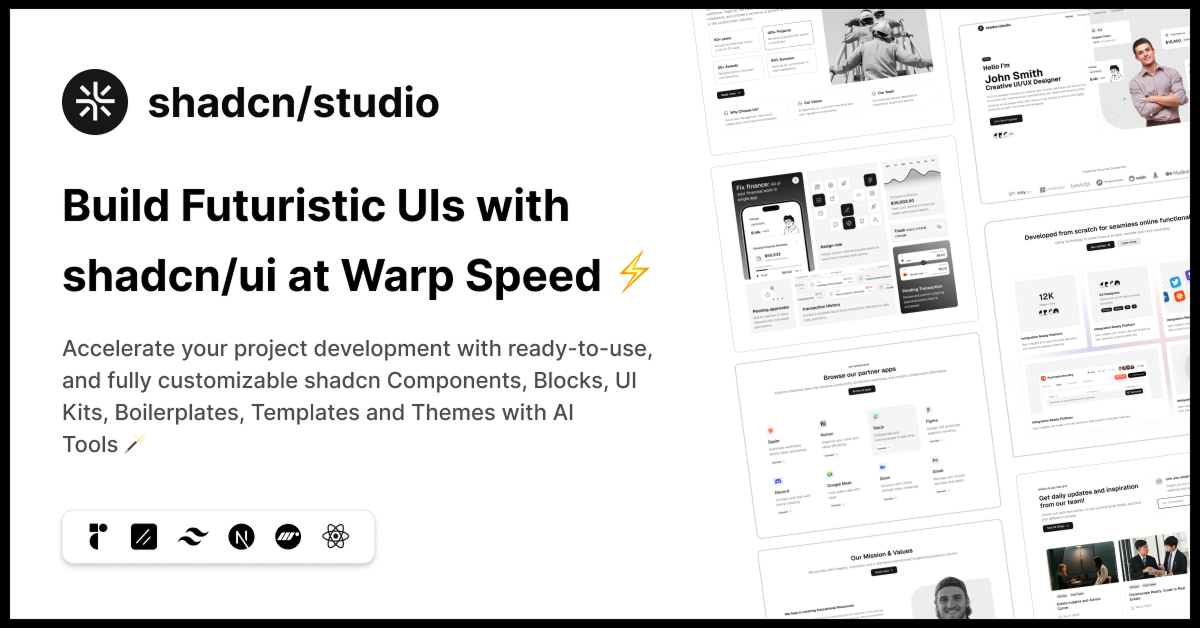
shadcn/studio
Open-source Shadcn registry with copy-paste components.


React UI: Build Modern Interfaces with Reusable React Components
React UI helps developers build modern, responsive, and interactive web applications using reusable components and customizable UI libraries. With React's component-based architecture, developers can create consistent user interfaces faster without building every element from scratch.
From SaaS dashboards and AI applications to eCommerce websites and landing pages, React UI provides flexible solutions for modern frontend development.
What is React UI?
React UI refers to a collection of reusable components, UI kits, and design systems built using React. These include buttons, forms, navigation menus, cards, modals, tables, and interactive elements.
Popular libraries such as shadcn/ui, Material UI, Chakra UI, and Mantine help developers create responsive, accessible, and scalable applications with less development effort.
Key Features of React UI
Reusable Components: Ready-to-use buttons, forms, cards, tables, and navigation elements that speed up development.
Responsive Design: Build interfaces that work smoothly across desktops, tablets, and mobile devices.
Customizable Styling: Easily adjust colors, typography, layouts, and themes to match your brand.
Interactive Elements: Create dynamic interfaces with animations, modals, dropdowns, and loading states.
Accessibility Support: Many React UI libraries provide keyboard navigation and accessible components.
TypeScript Compatibility: Supports type-safe development and improved code maintainability.
Framework Integration: Works with Next.js, Vite, and other React-based development tools.
Why Choose React UI?
React UI simplifies frontend development by providing reusable components and flexible design systems. Developers can focus on application functionality instead of repeatedly creating common interface elements.
Whether you're building a SaaS platform, admin dashboard, AI tool, or business website, React UI helps maintain design consistency and accelerate development.
Getting Started with React UI
Create a React Project: Set up your application using Vite or Next.js.
Choose a UI Library: Explore shadcn/ui, Material UI, Chakra UI, Mantine, or other React component libraries.
Install Components: Follow the selected library's installation and configuration instructions.
Customize Your UI: Adjust styles, colors, themes, and layouts according to your requirements.
Build and Deploy: Create responsive interfaces, test functionality, and launch your application.
Conclusion
React UI provides a flexible and efficient way to build modern web applications using reusable components and customizable design systems. From simple websites to complex SaaS platforms, React UI libraries help developers create polished, responsive interfaces faster.
Explore the best React UI components, UI kits, and developer tools on All Tailwind CSS and simplify your next React development project.
Frequently Asked Questions
Explore frequently asked questions about React UI
React UI is a collection of reusable components and UI libraries that help developers build modern, responsive, and interactive web applications faster.
Have a product?
Submit your Shadcn product to AllShadcn, get featured, and drive genuine traffic while showcasing your work to the world. Turn your creativity into revenue and begin selling today! 🚀