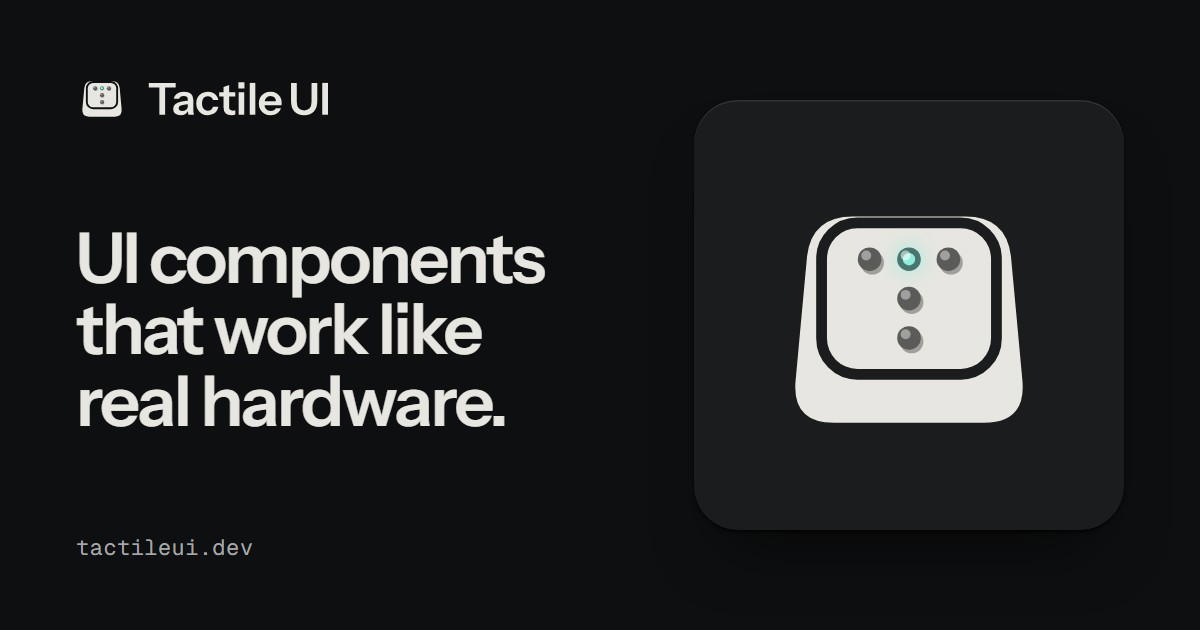
Details about Tactile UI: Interactive UI Components
A premium UI library featuring realistic, hardware-inspired interactive components.
Includes 30 interactive objects, 51 website sections, 190 UI kit parts, and 25 templates, according to the homepage.
Built with JavaScript and CSS, with support for React, Vue, Svelte, and vanilla JavaScript.
Features tactile interactions such as pressing, dragging, rotating, switching, and turning.
Offers aluminium and graphite finishes, with additional visual styles across its component collection.
Includes AI coding-agent guidance for tools such as Claude and Cursor.
Provides free resources alongside a one-time paid Founder Pass.
#What is Tactile UI?
Tactile UI is a collection of interactive UI components, animated objects, website blocks, and interface templates designed to make digital experiences feel like physical hardware. Unlike conventional component libraries focused primarily on flat interfaces, Tactile UI uses realistic materials, mechanical movements, tactile controls, and responsive animations to create engaging interactions. Built primarily with vanilla JavaScript and CSS, it can be integrated into React, Vue, Svelte, and other web projects. It is particularly suitable for creative developers, UI/UX designers, SaaS builders, and agencies creating distinctive landing pages, interactive dashboards, product showcases, and experimental websites.
#Features ⚡
Hardware-Inspired UI: Interactive controls resembling physical buttons, switches, knobs, mechanical counters, and electronic devices.
Realistic Motion: Press, drag, rotate, and interact with objects featuring mechanical-style movements.
Interactive Objects: Includes distinctive elements such as odometers, compasses, pull-cord lamps, and pin screens.
Ready-Made Website Blocks: Prebuilt sections for hero areas, pricing, FAQs, footers, and product presentations.
Comprehensive UI Kit: Everyday interface elements including forms, inputs, navigation, tables, dialogs, sliders, and charts.
Multiple Visual Finishes: Material-inspired designs featuring aluminium, graphite, and other finishes.
Framework Flexibility: Supports multiple JavaScript frameworks without requiring a framework-specific implementation.
AI Development Support: Includes component rules and guidance that help Claude and Cursor work with the design system.
Live Component Previews: Allows developers to explore component behavior before integrating it into projects.
Customizable Interfaces: Adapt components, styling, and interactions to suit different product requirements.
#Pro and cons
Pro ✅:
Distinctive design language that stands out from traditional UI libraries.
Highly interactive components with realistic motion and tactile feedback.
Compatible with React, Vue, Svelte, and plain JavaScript.
Includes complete website sections alongside individual components.
Offers free components for experimentation.
One-time purchase with access to future additions under the Founder Pass.
Useful for building memorable, interaction-focused digital products.
Cons ⚠️:
Hardware-inspired aesthetics may not suit every brand or enterprise application.
Complex interactions can require additional performance testing.
Less conventional than typical minimalist UI component libraries.
Premium component source code requires a paid license.
Public redistribution of paid component source code is restricted.
Some planned features, including a Figma library and MCP server, are not yet confirmed as available.
#Included Components/Templates
Tactile UI organizes its resources into interactive objects, website blocks, and a reusable interface kit.
Interactive Objects: Mechanical counters, rotary controls, compasses, lamps, pin screens, and other hardware-inspired elements.
Hero Sections: Interactive landing page sections for product and service websites.
Pricing Blocks: Pricing layouts with animated counters and interactive controls.
Navigation Components: Menus, tabs, sidebars, and navigation elements.
Form Components: Inputs, checkboxes, radio groups, selects, and date pickers.
Data Display: Tables, charts, meters, progress indicators, and dashboards.
Feedback Components: Alerts, notifications, tooltips, toasts, and loaders.
Layout Components: Cards, panels, accordions, carousels, and dialogs.
Website Templates: Complete layouts demonstrating the design system in practical applications.
AI Agent Resources: Development rules, component guidance, and verification utilities.
#Pricing 💸
Tactile UI follows a free-plus-one-time-purchase model.
Free Resources: Selected interactive objects, website blocks, kit components, and templates.
Founder Pass: Currently advertised at $99 one-time on the homepage, including the objects, blocks, UI kit, and future additions.
Future Pricing: The published pricing references indicate that pricing changes as founder allocations sell out.
Licensing: Paid resources are intended for use in personal and commercial end products, subject to license restrictions.
Refund Policy: The homepage advertises a 30-day refund, while older licensing pages show different terms. Confirm the checkout conditions before purchasing.
Pricing and licensing information differs across some indexed pages, so the live checkout should be treated as authoritative.
#Integrations 🧰
React: Integrate interactive objects into React-based applications.
Vue.js: Use components within Vue projects.
Svelte: Incorporate hardware-inspired interfaces into Svelte applications.
Vanilla JavaScript: Build without relying on a frontend framework.
HTML and CSS: Use the underlying CSS and JavaScript resources directly.
Claude: AI-assisted development using the included component guidelines.
Cursor: Coding-agent guidance for generating interfaces using Tactile UI.
Custom Web Applications: Suitable for landing pages, dashboards, creative websites, and SaaS products.
Frequently Asked Questions
1. What is Tactile UI?
Tactile UI is a hardware-inspired component library offering interactive objects, reusable interface elements, website sections, and templates.
2. Is Tactile UI free?
Partially. Selected resources are available for free, while the complete collection requires a paid pass.
3. Does Tactile UI support React and Vue?
Yes. It supports React, Vue, Svelte, and vanilla JavaScript implementations.
Tactile UI: Interactive UI Components
Realistic, interactive UI components with physical motion.
Resource Types:
UI Kits :
Shadcn UITechnology Stack :
Featured Shadcn Products
Add Featured Product.png?width=300&height=156&format=auto)
.png?width=300&height=156&format=auto)
Have a product?
Submit your Shadcn product to AllShadcn, get featured, and drive genuine traffic while showcasing your work to the world. Turn your creativity into revenue and begin selling today! 🚀